Cheat Sheet
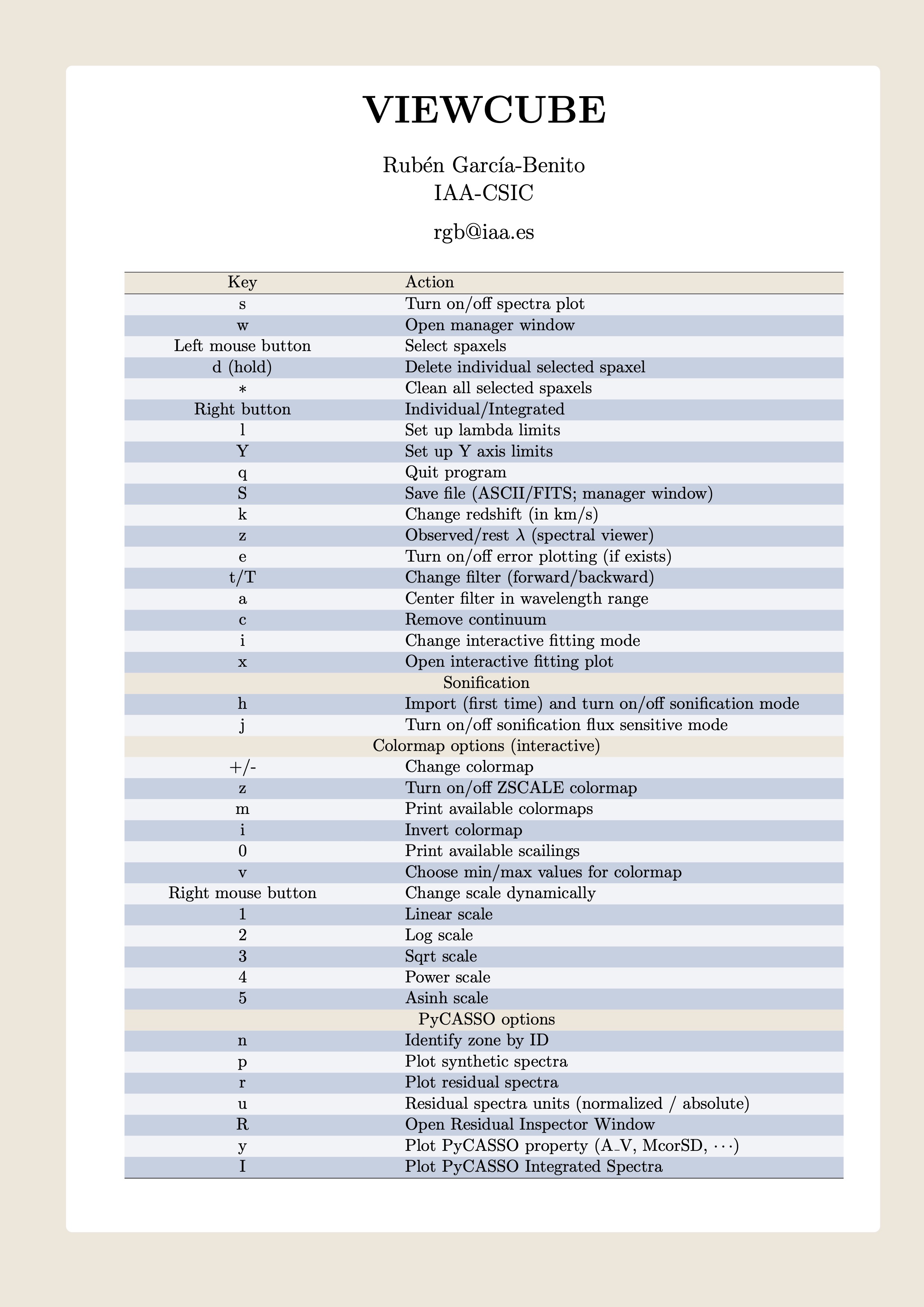
Key |
Action |
|---|---|
s |
Turn on/off spectra plot |
w |
Open manager window |
Left mouse button |
Select spaxels |
d (hold) |
Delete individual selected spaxel |
* (asterisk) |
Clean all selected spaxels |
Right button |
Individual/Integrated |
l |
Set up lambda limits |
Y |
Set up Y axis limits |
q |
Quit program |
S |
Save file (ASCII/FITS; manager window) |
k |
Change redshift (in km/s) |
z |
Observed/rest $lambda$ (spectral viewer) |
e |
Turn on/off error plotting (if exists) |
t/T |
Change filter (forward/backward) |
a |
Center filter in wavelength range |
c |
Remove continuum |
i |
Change interactive fitting mode |
x |
Open interactive fitting plot |
Sonification |
|
h |
Import (first time) and turn on/off sonification mode |
j |
Turn on/off sonification flux sensitive mode |
Colormap options |
|
+/- |
Change colormap |
z |
Turn on/off ZSCALE colormap |
m |
Print available colormaps |
i |
Invert colormap |
0 |
Print available scailings |
v |
Choose min/max values for colormap |
Right mouse button |
Change scale dynamically (hold button) |
1 |
Linear scale |
2 |
Log scale |
3 |
Sqrt scale |
4 |
Power scale |
5 |
Asinh scale |
PyCASSO options |
|
n |
Identify zone by ID |
p |
Plot synthetic spectra |
r |
Plot residual spectra |
u |
Residual spectra units (normalized / absolute) |
R |
Open Residual Inspector Window |
y |
Plot PyCASSO property (A_V, McorSD, $cdots$) |
I |
Plot PyCASSO Integrated Spectra |
ViewCube Cheat Sheet